
Conference Filming in Australia: The Complete Guide for Event Managers
Conference filming is the professional multi-camera recording of your event's sessions, edited into speaker videos, highlight reels and social content. In Australia it typically costs $2,100–$9,000+GST per event, with edited videos delivered within 24 hours. This guide covers what's included, costs, crew, logistics and how to choose a videographer.
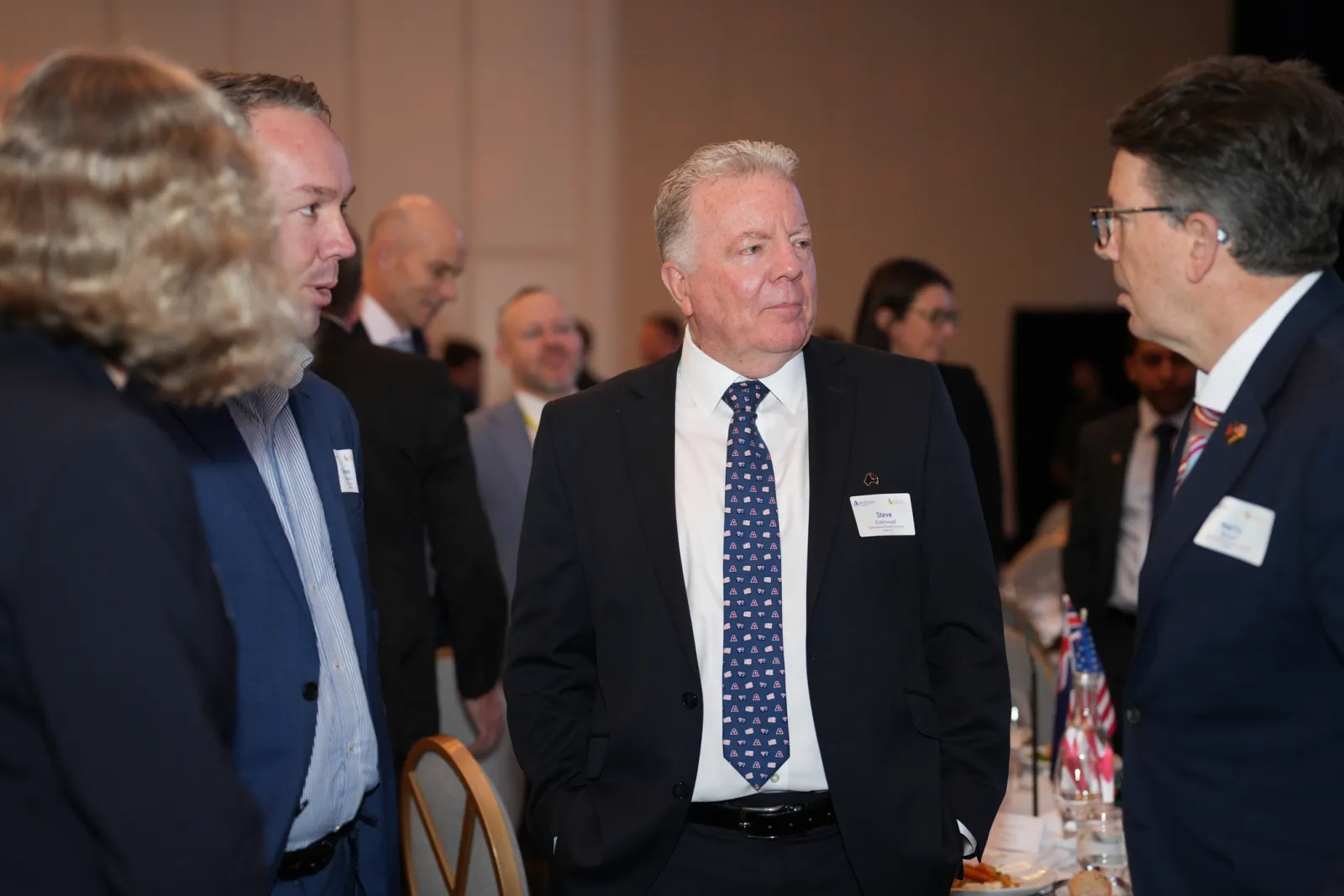
Conferences are expensive to run and over in a day or two — but the ideas, speakers and energy inside them have a far longer shelf life if you capture them properly. That's what conference filming is for. This guide explains, in plain terms, what conference filming involves in Australia, what it costs, who does what on the day, and how to choose a team — so you can brief a videographer (or your CFO) with confidence.
It's written for the people who actually carry the risk on event day: conference managers, event directors, association teams and marketing managers.
What is conference filming?
Conference filming is the professional, multi-camera recording of an event's sessions — keynotes, plenaries, panels and breakouts — captured to a broadcast standard and edited into usable video. It is more than pointing a camera at the stage: it covers clean audio, slide capture, branding and a finished edit, so the result is something you can publish, sell or repurpose rather than a shaky reference recording.
In practice, a conference filming team delivers a set of deliverables from a single event: full speaker recordings, a short highlight film, speaker interviews, social clips, and often a livestream for the remote audience. Each is a different cut of the same day, built for a different purpose.
What types of events do you film?
Conference filming covers far more than the main-stage keynote. The same crew and approach suit any event where the content matters afterwards — conferences, summits, AGMs, association conventions, awards nights, gala dinners, product launches, panel discussions and training days.
What they all share is that they're live and one-take: there's no second chance to capture the moment, so they reward a team that plans coverage in advance. Whether it's a 50-person internal forum or a multi-day national convention running across several rooms, the building blocks are the same — clean audio, considered camera positions, synced slides and a fast, branded edit.
Why should you film your conference?
You should film your conference because video is now the format your audience expects and the one that keeps working long after the event. 91% of businesses use video as a marketing tool in 2026, and 82% of marketers say it delivers good ROI. A conference is a rare concentration of expert content — filming it turns a one-day spend into a year of assets.
The business case usually rests on four returns:
- Reach beyond the room. Not everyone can attend in person. Recordings and livestreaming extend your event to members, staff and prospects who couldn't be there.
- Marketing for next time. A highlight film is the single most persuasive tool for selling next year's event — far more than a written recap.
- Content all year. One event becomes speaker videos, social clips, blog material and more. Short-form video alone is the top ROI-driving format for 49% of marketers.
- A new revenue stream. Sessions can be sold on-demand, gated for members, or used to add value for sponsors.
It helps that you're operating in a serious market. Australia's business events industry was valued at around $36 billion annually before the pandemic, and the sector continues to grow — so the competition for delegates, and the value of standing out, is real.
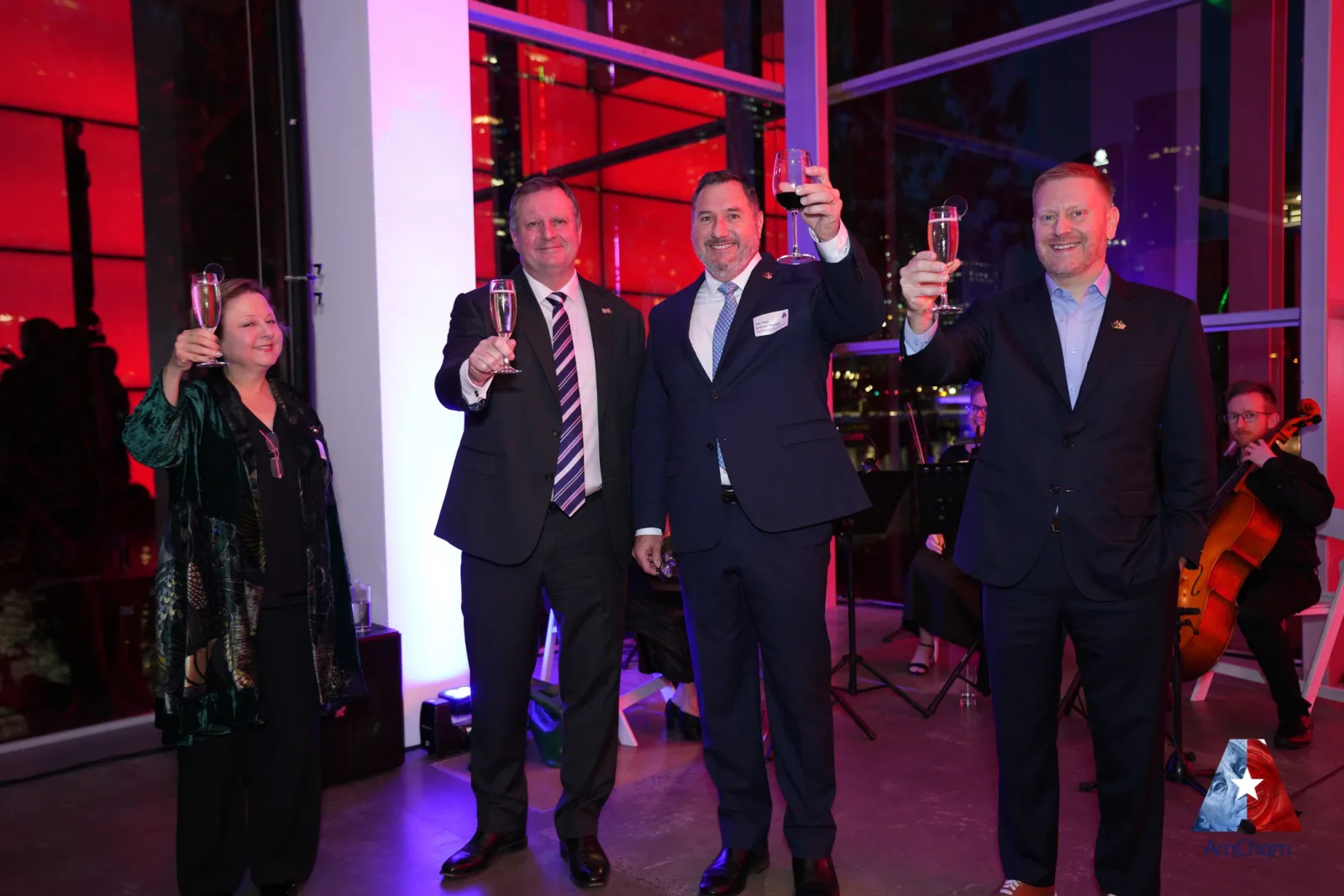
What does conference filming include?
A complete conference filming service covers the whole event, not just the main stage. The usual components are:
- Conference & event filming — multi-camera coverage of every session, with slides synced and audio taken from the desk.
- Highlight films — a punchy 60–90 second to 3-minute reel of the event's best moments.
- Livestreaming — a reliable, broadcast-quality live broadcast for remote attendees.
- Speaker interviews & vox pops — thought-leader interviews and attendee reactions captured on the day.
- Social media content — short, captioned, vertical cuts ready for LinkedIn, Instagram and TikTok.
You don't have to take all of it. Most clients start with full session recordings and add the pieces that match their goals. A quick way to scope it is to ask: who needs to see this, and where?
What's the difference between session recordings and a highlight reel?
Session recordings and highlight reels do opposite jobs. A session recording is the full, faithful capture of a talk — typically 20–60 minutes, edited cleanly with slides and lower thirds — for people who want the whole content: on-demand viewers, members and internal teams. A highlight reel is a short, fast-paced edit of 60 seconds to three minutes, with music and motion, built to sell the event and grab attention on social.
You usually want both. Recordings preserve the value of every session; the highlight reel markets the event and drives next year's registrations. They come from the same shoot but are cut for completely different audiences — which is exactly why we agree both before filming.
What formats are the videos delivered in?
You receive your videos in the format of your choice — commonly MP4 or MOV files — delivered via a service like Dropbox. MP4 suits almost every use (web, social, presentations); MOV is handy if your team plans to edit further.
Alongside the finished speaker videos, you can request platform-specific exports: horizontal cuts for YouTube and your website, and vertical, captioned versions for social. If you need a particular resolution, codec or aspect ratio for a delegate portal or venue playback system, flag it up front so it's built into the deliverables rather than re-exported later.
How much does conference filming cost in Australia?
Conference filming in Australia typically ranges from $2,100+GST for a half-day single-camera shoot to $9,000+GST and up for multi-day, multi-camera coverage. Most single-day conferences land in the middle. Price is driven by how many cameras and crew you need, how long you're filming, and how much editing and extra content you want afterwards.
| Package | From (ex-GST) | Best suited to |
|---|---|---|
| Lite | $2,100 | Half-day, one camera, 24-hour edited speaker videos |
| Medium | $2,700 | Full day, one camera, slide sync |
| Large | $6,800 | Multi-camera, b-roll, speaker spotlights, a highlight reel, full ownership |
| Custom | $9,000+ | Multiple cameras or rooms, multi-day events, delegate portal |
For a full breakdown of what sits in each tier, see our pricing page and our detailed guide to what it costs to film a conference. A couple of things to budget for beyond the quote: incidental costs such as parking are charged at cost, and edits beyond the agreed scope are quoted separately — a good supplier will always check with you before doing extra work.
How many cameras and crew do you need?
How many cameras you need depends on the room and the result you're after. One camera captures a single-room speaker recording; two or more add safety, cutaways and a more polished edit; multiple rooms or concurrent sessions need a camera and operator each. There's no single right answer — it's a trade-off between budget and coverage.
As a rough guide:
- One camera — a single plenary room, straightforward speaker recordings.
- Two cameras — a wide and a tight shot, so the edit can cut between angles and you have a backup if one fails.
- Multiple cameras / operators — large plenaries, panel discussions, or several rooms running at once.
The crew scales with the cameras: each operator runs their camera, and a producer coordinates the shoot and liaises with your run sheet.
What audio and equipment is involved?
Sound is what makes or breaks conference video — viewers forgive imperfect vision far sooner than bad audio. A standard setup includes two cameras on tripods, presentation/slide capture, and audio-linking gear that takes a clean feed directly from the venue's AV desk rather than relying on an on-camera microphone.
Extra kit is added only when the venue demands it: additional lighting if the room is dark, or a separate audio solution if there's no PA to tap into. A good supplier consults you on any add-ons rather than surprising you with them. The principle is simple — capture the speaker clearly first, then make it look good.
Can you film breakout sessions and multiple rooms at once?
Yes — concurrent sessions are covered by deploying an additional camera operator and kit to each room. If your program splits into breakouts after the plenary, every room that needs capturing gets its own operator, so nothing important is missed while sessions run in parallel.
This is really a question of scale and budget: more rooms means more crew and more editing. Planning matters most here — mapping which sessions to cover against your run sheet in pre-production avoids clashes and makes sure the right rooms are staffed at the right times.
How does the filming day actually work?
A well-run conference shoot has three stages: pre-production, filming and post-production. The work that makes the footage usable happens before anyone presses record — planning camera positions, confirming the run sheet and sorting the audio feed.
- Pre-production. You brief the team on your goals and schedule; a dedicated producer pores over the run sheet and coordinates crew, so there are no game-day surprises.
- On the day. The crew arrives at least an hour early to set positions, check lighting, take an audio feed from the AV desk and test. Then they capture each session while you run the event.
- Post-production. Footage is backed up on site, then branded, edited and delivered — speaker videos within 24 hours, with highlights and social cuts to follow.
How quickly will you get your videos?
Edited speaker videos are typically delivered within 24 hours of the event; more creative pieces like highlight films and produced social content follow shortly after. Fast turnaround matters because a conference's relevance peaks in the day or two afterwards — that's when delegates are talking, sponsors are watching and your social channels get the most attention.
We cover this in detail in how fast you can get conference videos edited, including how the deadline is actually hit (planning the edit before filming, branding ahead of time, and backing up on site).
What about hybrid events, and what if the internet drops?
Hybrid events — where an in-room audience and an online audience attend together — are now the norm: around 85% of Australian event planners build in hybrid elements. Filming and livestreaming the same event lets you serve the room, the remote audience and the post-event audience from a single booking.
The number-one fear with any livestream is the connection dropping. A professional setup mitigates this with redundancy — typically a backup internet path plus a local recording running the whole time — so even if the venue's network falters, you still capture the event in full and can recover the stream. Always ask a livestream supplier what their failover plan is.
Conference filming vs your AV company: what's the difference?
Your AV company and your filming team do different jobs, and on most conferences you want both. The AV company runs the room — the screens, the PA and the live experience for the people in front of the stage. The filming team captures the event so it keeps delivering value afterwards: speaker videos, highlights, social content and marketing assets.
They work hand in glove — the filming crew takes an audio feed and a copy of the on-screen presentation from the AV desk. For a full breakdown, see conference filming vs the AV company.
Who owns the footage and how can you use it?
Usage rights are one of the most common questions — and worth nailing down in writing before filming. As a rule, you receive a licence to use the finished videos for your organisation's purposes: internal use, online sharing, marketing or member access. Ownership of the final videos and of the raw footage depends on the package, so confirm both in your quote.
A practical tip: footage takes up significant storage, and most suppliers only keep it for a limited period (commonly around six months). Always take your own backups of the final assets on separate drives — you never know when a computer will fail. More on this in our FAQ.
How do you measure the ROI of event video?
You measure event-video ROI by tying it to the goals you set before filming — reach, leads, content saved or revenue. Useful metrics include views and watch-through on each platform, registrations or enquiries driven by a highlight reel, the cost saved versus producing content another way, and any on-demand or member revenue.
The benchmarks are encouraging: 88% of marketers say video generates leads, and landing pages with video can see up to 86% higher conversion. For an event, the simplest ROI framing is volume — one shoot produces a hero reel, dozens of social clips and a full library of sessions, content that would cost far more to create any other way and keeps working for a year.
Where in Australia can you film a conference?
A national supplier should be able to crew any capital city with local operators, rather than flying everyone in. That matters: more than 355 business conferences run across Australia, with roughly 95% of specialised events hosted in just five capitals — Melbourne, Sydney, Brisbane, Perth and Adelaide.

We film Australia-wide, with city-specific guides for:
- Conference videography in Sydney (ICC Sydney and the CBD)
- Conference videography in Melbourne (MCEC and beyond)
- Conference videography in Brisbane (BCEC — our home base)
- Conference videography in Perth (PCEC)
- Conference videography in Adelaide (Adelaide Convention Centre)
- Conference videography in Canberra (National Convention Centre)
- Conference videography on the Gold Coast (GCCEC)
Should you hire a videographer or a production company?
A solo videographer and a production company sit at different ends of the same spectrum. A single operator is cost-effective for a simple, single-room recording. A crewed specialist team brings multiple operators, a producer, backup gear and an edit pipeline — which is what multi-camera, multi-room or livestreamed conferences actually need.
For most conferences the deciding factor is risk and scale: if losing the footage or missing a session would be a serious problem, you want the redundancy and coordination a crewed team provides. For a short internal talk, a single videographer may be plenty. Be wary of paying production-team rates for solo coverage — or of expecting one person to cover a program that genuinely needs three.
How far in advance should you book a conference videographer?
Book as early as you can — ideally the moment your dates and venue are locked. Good crews get booked out, especially in the peak conference seasons (spring and autumn) and in the busy eastern-capital markets. Early booking also gives your producer time to plan coverage, do a site recce if needed and sort logistics.
A few weeks is often workable for a simple single-camera job; multi-camera, multi-room or livestreamed events deserve more lead time. If your date is fixed and close, it's still worth asking — but the earlier the conversation, the better the coverage.
How should you prepare for the shoot?
The most useful thing you can do is give your videographer the information to plan. Share your run sheet, the venue and AV contacts, your speaker schedule, and a clear list of what you need afterwards. The more your producer knows in advance, the smoother the day runs.
A short pre-shoot checklist:
- Final run sheet with session times and rooms
- Venue contact and AV company details (for the audio feed and slides)
- Speaker names and titles for on-screen lower thirds
- Your branding — logo and colours — for the edit
- The deliverables you need and where they'll be used
- Any consent or privacy requirements for filming attendees
How do you choose a conference videographer?
Choose a videographer the way you'd choose any event supplier you can't get a second take from: on experience, process and clarity. Because you only get one chance to film a live event, the right partner is one who has done it many times and plans for what could go wrong.
A short checklist before you book:
- Do they specialise in events? Live, one-take filming is a different discipline to studio or corporate video.
- Who's the point of contact? You want a dedicated producer who'll work from your run sheet.
- How and when are videos delivered? Confirm formats and turnaround in writing.
- What's the audio plan? Sound makes or breaks conference video — a clean feed from the desk is essential.
- What happens if gear fails? Ask about backups and redundancy.
- What are the usage rights? Clarify ownership of the final videos and the raw footage.
- Can they cover your whole program? Multiple rooms, livestream, interviews — check capacity.
Common conference filming mistakes to avoid
The most costly mistakes are decided before the event, not on the day. Booking too late, skipping the audio plan, and not agreeing deliverables in writing cause the most regret.
Watch for these:
- Leaving it too late. Good crews book out — engage them early so they can plan and recce.
- Ignoring audio. Relying on on-camera sound instead of a clean desk feed ruins otherwise good footage.
- No clear brief. If deliverables and usage rights aren't agreed up front, you'll pay for changes later.
- One camera for a big program. A single camera leaves no backup and no cutaways for multi-speaker sessions.
- Forgetting repurposing. Filming only long session recordings, with no plan for highlights or social, wastes the footage's potential.
How do you turn one conference into a year of content?
The highest-ROI move in event video is repurposing: cutting one event into many assets for different channels and moments. A single shoot can produce full session recordings, a hero highlight film, captioned social clips, and speaker interviews — each sized for where it'll be watched (see how long an event highlight video should be).
Planned well, that turns a one-day event into months of marketing, member value and sponsor content — which is exactly why filming the conference pays for itself.
Getting started
The simplest way to scope a conference shoot is to share three things: your dates and venue, the sessions you want covered, and what you need afterwards (recordings, highlights, livestream, social). From there a good supplier can recommend the right number of cameras and the right package.
Browse real projects in our case studies, check transparent pricing, or read the FAQ for the practical detail.
Frequently asked questions
What is conference filming?
Conference filming is the professional, multi-camera recording of an event's sessions — keynotes, plenaries and breakouts — captured to a broadcast standard and edited into usable videos such as speaker recordings, highlight reels and social clips.
How much does it cost to film a conference in Australia?
Typically $2,100–$9,000+GST per event. A half-day single-camera shoot starts around $2,100+GST; multi-day, multi-camera coverage with highlights and a delegate portal runs from about $9,000+GST.
How long does it take to get the videos?
Edited speaker videos are usually delivered within 24 hours. Highlight films and produced social content follow shortly after because they involve more creative editing.
Do I need conference filming if I already have an AV company?
Usually yes. Your AV company runs the room — screens and sound on the day. A filming team captures the event for everything that comes after it: speaker videos, highlights, social and marketing.
How many cameras do I need to film a conference?
One camera covers a single-room speaker recording; two or more give safety, cutaways and a more polished edit. Multiple rooms or concurrent sessions need a camera (and operator) each.
Who owns the conference footage?
You receive a licence to use the finished videos for your organisation's purposes. Ownership of the final videos and the raw footage depends on the package — confirm it in your quote before filming.
Tagged: Conference & Event Filming, Pillar Guide